Operations guide
Self-hosted AI agent operations: backups, imports, diagnostics, and safe cleanup
A practical lifecycle guide for managing OpenClaw and Hermes Agent on your own VPS after deployment, including backups, imports, diagnostics, model changes, and safe server cleanup.
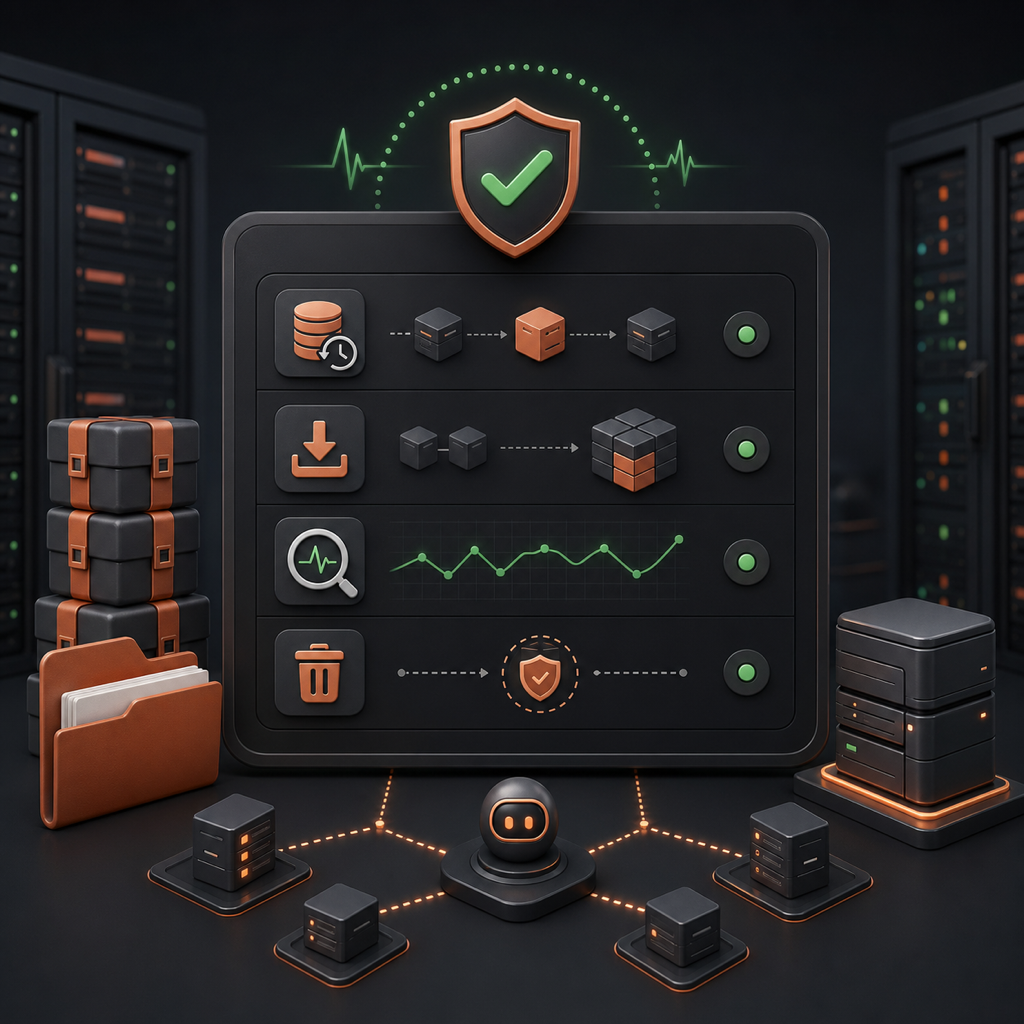
Getting a self-hosted AI agent online is only the first milestone. The longer an OpenClaw or Hermes Agent instance runs, the more valuable its configuration, memory, skills, model settings, and messaging setup become. That means operations matter: you need a way to back it up, restore it, inspect what changed, reconfigure it safely, and clean it up without accidentally leaving a VPS bill running.
This is the practical lifecycle view ClawKickstart is built around. Provisioning creates the server, but day-two management keeps the agent useful and predictable. The dashboard now gives you one place to follow provisioning progress, configure Telegram and model providers, import or replace an existing agent bundle, review Recent activity, run diagnostics, restart the gateway, and distinguish dashboard cleanup from actually destroying the server.
The first habit is treating the agent folder as important state. For OpenClaw, that usually means the .openclaw or openclaw folder. For Hermes Agent, it usually means the .hermes or hermes folder. Those folders can contain provider configuration, skills, memory, channel setup, and other runtime state. If you move to a new VPS or recover from a bad change, that bundle is what turns a fresh install back into your agent.
- Export a full bundle before major updates, provider changes, imports, or experiments
- Keep at least one known-good backup outside the VPS before replacing agent files
- Match the bundle to the target framework: OpenClaw bundles go to OpenClaw instances, Hermes bundles go to Hermes instances
- Expect the gateway to restart during restore or import work, because the active agent folder is being replaced
# Typical manual bundle shapes if you are preparing an archive yourself
tar -czf openclaw-agent.tar.gz .openclaw/
zip -r openclaw-agent.zip .openclaw/

tar -czf hermes-agent.tar.gz .hermes/
zip -r hermes-agent.zip .hermes/
Import is useful when you already have an agent and do not want to rebuild it from scratch. In ClawKickstart, the target instance must already be running and configured. The import flow validates the archive, rejects unsafe paths and cross-framework bundles, stages the upload, backs up the current agent folder, replaces it with the imported bundle, and restarts the gateway. That is the same sequence you would otherwise perform over SSH, but with a visible operation trail.
Recent activity is the audit trail for this work. Provisioning, import, restart, diagnostics, update, and cleanup operations should not be invisible background jobs. A dashboard operation row gives you the status, timestamp, and log context you need to know whether something is queued, running, complete, or failed. When an import fails, the log is the first place to look before trying another archive.
- Use Recent activity to confirm that provisioning actually reached the ready state
- Check import logs before retrying a failed bundle replacement
- Use diagnostics when Telegram is silent, the gateway looks unhealthy, or the agent stops replying
- Restart the gateway from the dashboard when the service needs a clean restart but the VPS itself is fine
- Keep operation history visible while long-running provisioning or setup work is still active
Diagnostics are especially useful because most agent problems are not visible from the chat app alone. A Telegram bot can stop responding because the gateway is down, the service is running under the wrong account, the model provider rejected a request, the API key changed, or the instance is still provisioning. Good diagnostics separate those cases so you do not waste time guessing.
Model reconfiguration is another lifecycle task worth treating carefully. OpenClaw and Hermes Agent both support multiple providers, but switching providers changes more than a text field. It can replace the active provider configuration and API key on the server. In ClawKickstart, the Agent Setup card keeps the current provider and model visible, lets you keep same-provider state when appropriate, and uses current defaults such as openai/gpt-5.5, anthropic/claude-opus-4-8, minimax/MiniMax-M3, and google/gemini-3.1-flash-lite-preview for new provider selections.
- For same-provider model changes, only submit the new model ref when the API key can stay in place
- For provider switches, expect to provide a fresh API key for the new provider
- After reconfigure, verify the current provider and model in the dashboard before debugging the chat side
- Keep a backup before large provider or personality changes if the agent already has valuable state
Cleanup is where self-hosted users can accidentally confuse two different actions. Removing an agent from the dashboard only removes it from the ClawKickstart account view. It does not delete the underlying VPS, and it does not stop your VPS provider from billing for that server. If your goal is to stop paying for the machine, use Destroy Server or delete the server manually in your VPS provider dashboard.
That distinction matters because self-hosting gives you infrastructure control. The dashboard should not silently destroy a server just because you removed a record, but it also should not let you think billing stops when the VPS still exists. Treat "remove from dashboard" as account cleanup, and treat "destroy server" as infrastructure cleanup.
- Before a risky change: export a full bundle and confirm you can identify the latest backup
- Before importing: verify that the archive framework matches the target instance framework
- After importing: review Recent activity, then send a simple Telegram message to confirm the gateway is live
- Before reconfiguring: decide whether you are changing only the model, or replacing the provider too
- Before deleting anything: decide whether you only want to remove it from the dashboard or destroy the actual VPS
The common thread is that a self-hosted AI agent is not disposable once it starts accumulating useful state. Backups preserve that state. Imports and restores move it safely. Diagnostics explain failures. Recent activity makes background work inspectable. Clear cleanup actions prevent surprise VPS bills. Together, those operations turn OpenClaw or Hermes Agent from a one-time install into a service you can keep running with confidence.