Framework comparison
OpenClaw vs Hermes Agent: which self-hosted AI agent should you run?
A practical comparison of OpenClaw and Hermes Agent for self-hosting on your own VPS, covering setup style, memory, skills, messaging, model providers, and which framework fits different users.
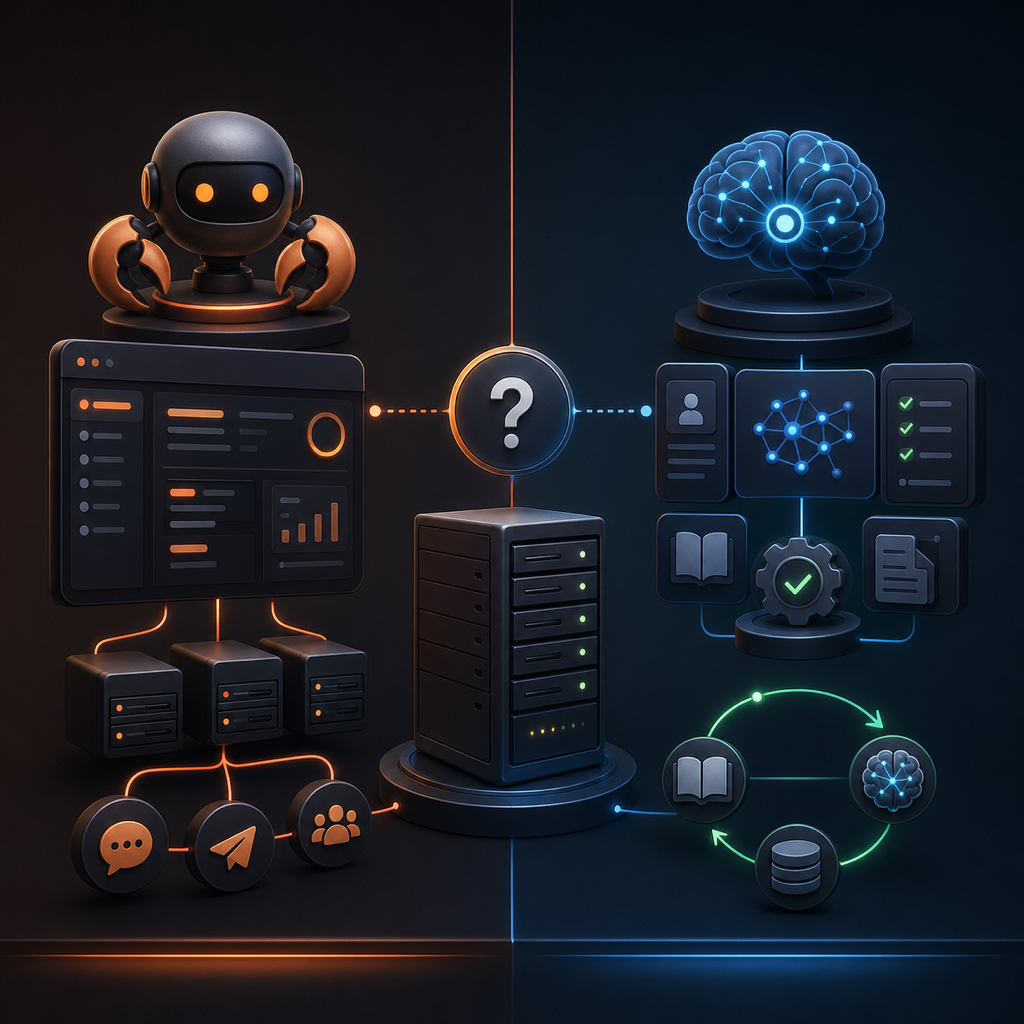
OpenClaw and Hermes Agent both let you run a persistent AI agent on infrastructure you control. Both support messaging, external model providers, memory and reusable skills. The useful question is which workflow and integrations fit your tasks, rather than which framework has every feature.
Which should you choose?
ClawKickstart recommends Hermes for most new deployments. Start there if you want an assistant centered on reusable procedures and a built-in learning loop. Choose OpenClaw if you already depend on its configuration, skills or integrations, or want the OpenClaw WhatsApp linking flow available in our dashboard. This is a product recommendation, not a benchmark showing one framework is universally faster or more reliable.
| Decision | OpenClaw | Hermes Agent |
|---|---|---|
| Memory and skills | Persistent memory and reusable skills; configure the workflow you need. | Persistent memory plus a documented loop for creating and improving skills. |
| Messaging upstream | Multiple channels, including Telegram, WhatsApp, Discord and Slack. | Multiple channels, including Telegram, WhatsApp, Discord and Slack. |
| ClawKickstart messaging | Telegram or the OpenClaw-specific WhatsApp linking flow. | Telegram setup; upstream channel support does not imply dashboard support. |
| ClawKickstart runtime | Docker-based gateway deployment. | Python-based runtime with a systemd gateway service. |
| Best starting point | Existing OpenClaw workflows or dashboard WhatsApp setup. | Our default recommendation for a new deployment. |
Memory and skills: compare workflows, not feature labels
Hermes documents an agent-curated learning loop: it can create skills from experience, improve them during use and retain context across sessions. That describes how it manages reusable knowledge; it does not mean the underlying model retrains itself or every task automatically becomes more accurate.
OpenClaw also documents persistent memory and skills loaded from workspace, user and bundled locations. It should not be described as lacking memory or being limited to remote commands. For either framework, test a real repeated task, inspect what it saved and check whether it reuses the right information in a new session.
Messaging: upstream features versus dashboard setup
Both projects support multiple messaging channels. Telegram is a useful first interface for either one, not a distinguishing OpenClaw limitation. A channel supported by the upstream project can still require separate credentials, pairing and configuration.
In ClawKickstart, OpenClaw has a WhatsApp configuration and QR-linking flow, while Hermes uses the Telegram setup path. Choose based on the channel you can configure and verify today, rather than assuming every upstream integration is included in the guided setup.
Hosting and total cost
Both can run on your own VPS with a hosted model API. In that arrangement, inference runs at the model provider, so a GPU is not required on the VPS. Running a model locally is a different workload with its own hardware requirements.
There is no single CPU or RAM recommendation that covers every task. Messaging alone, browser automation, concurrent tasks, downloads and local models have different needs. Allow space for dependencies, logs, backups and updates, then monitor memory and disk use. We have not published comparative resource benchmarks for these frameworks.
- ClawKickstart setup is a one-time purchase; optional Care is separate.
- Your VPS provider bills your own account.
- Model API usage is billed separately by your provider and depends on the model and workload.
- A framework choice alone does not establish which deployment will cost less.
Models, operations and switching frameworks
The framework and model are separate choices. ClawKickstart offers provider configuration for both frameworks; verify that your exact model reference and credentials work before relying on the deployment. Compare both with the same model and representative task if you want a useful assessment of their behavior.
ClawKickstart deploys OpenClaw through Docker and Hermes with a systemd gateway service. These describe our installation paths, not every way the upstream projects can run. After provisioning, hatch the agent and confirm a real reply through your configured channel. A healthy process does not prove the model or messaging credentials work.
The owner has confirmed Telegram replies and successful update flows for both frameworks in live testing. That confirms those tested paths, not a controlled performance comparison or a guarantee for every model, channel and version.
Keep a backup before updates, imports or switching frameworks. ClawKickstart bundle imports target matching framework instances; an OpenClaw export is not automatically a drop-in Hermes import. Consult the upstream migration instructions for conversions and verify credentials, memory, skills and channel behavior afterward.
A practical decision checklist
- List the tasks and messaging channel you need now.
- Check whether those integrations are available in the guided setup or require manual configuration.
- Keep your existing framework if its working skills and integrations are the main reason you use it.
- For a new ClawKickstart deployment without an OpenClaw-specific requirement, start with our Hermes recommendation.
- Verify one real conversation, one representative task and a backup before expanding the workload.
ClawKickstart supports both frameworks on a new Hetzner VPS or an existing server. You retain the infrastructure account and choose the model provider. The guided setup removes deployment work; the choice of framework should follow your actual tasks and operating preferences.